Filters
Sort By
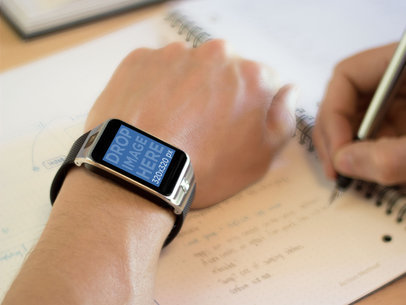
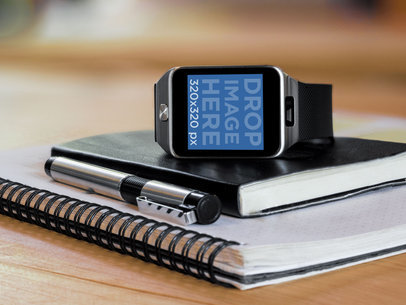
A Samsung Galaxy Gear 2 smart watch lays on top of a notebook next to a pen. You can insert any square image into this stage. So, if you have developed a Samsung Galaxy Gear 2 app, this mockup would be ideal for you.

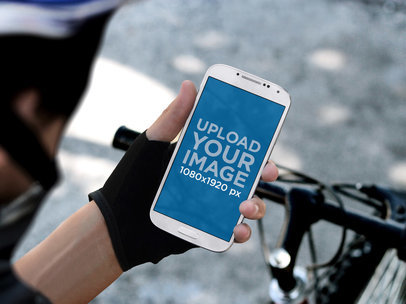
Is your app aimed at bikers, athletes or is it a GPS app? Then maybe you can use this Samsung Galaxy S4 mockup. In this stage, a biker holds his Samsung Galaxy S4 and looks at it intently. You can drop an image here that is 1080×1920 pixels.
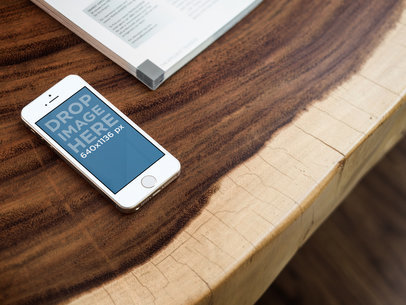
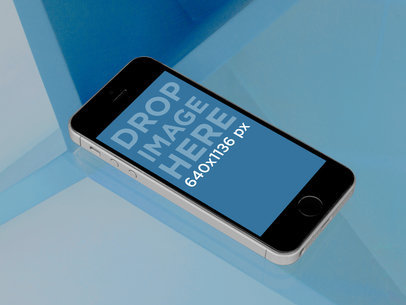
A slick, modern glass table. On top of it, an iPhone 5S mockup. Use this image if you wanna portray a very exciting, new app. You can drop an image in portrait mode or you can grab a screen shot from the URL.
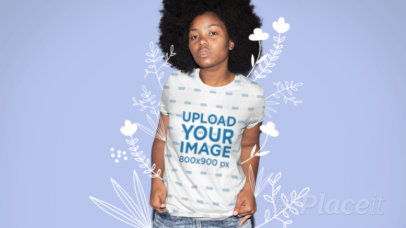
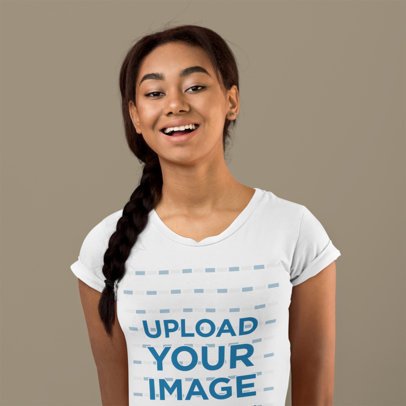
Use this video from Placeit to showcase your newest t-shirt design and promote your brand like a pro. This mockup features a picture of a woman surrounded by animated flower doodles you can customize in color; try it out now and create the coolest promotional content for your brand with Placeit.
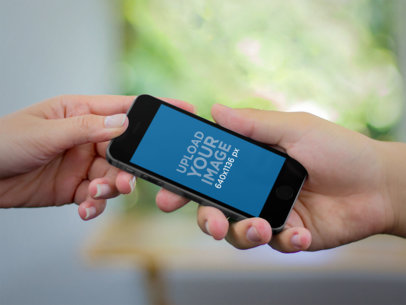
Two people share a space gray iPhone 5S. A man gives a woman the phone in this mock-up. The image is practically in landscape mode, but at a slight angle. This versatile stage can be used for any app, although apps with social interactions would be ideal.
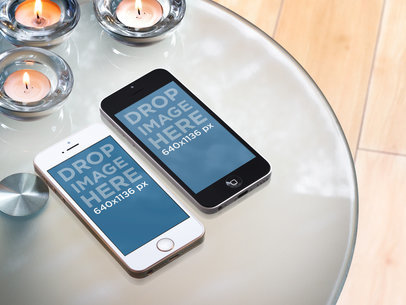
Two iPhone mockups laying next to each other. They are iPhone 5s, one white with gold and one black with silver. This iPhone mockup allows you to compare two design for the same OS, in portrait mode.
This mockup features a woman holding a hoodie without front pockets.
This stage is perfect for a serious business feel. In the center, you have a Samsung Galaxy 4, set to portrait mode, holding an image of 1080 by 1920 pixels. Off to the sides, you have an open laptop with the keyboard showing and some workbooks with a pen. All of these is set on a nice, leather workstation. This will really give your mockup a professional look.
Create unique mockups with Placeit! Check out this one of a woman in a hoodie without front pockets.
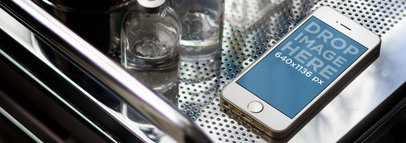
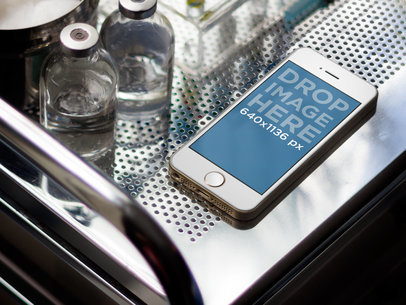
This stage for would be perfect for any medical app or medical student app or anything scientific or technical. You have a gold iPhone 5s on a doctors cabinet. The cabinet is a shiny reflective metal and you also have some vials of medicine and test tubes off to the left. The iPhone 5s will hold an image of 640 by 1136 pixels which will be great for any app mock up.
Great for minimalist projects or illustration based websites this safari like browser mockup can display images of 1200x900px. Set on a simple blue background giving a great non nonsense view for your website mockup. This will work great with any type of website. This browser mockup keeps your design simple and straightforward.
A business woman sits talking on the phone at her desk with a notebook in front of her and a pen that she just put down. To the left of the notebook she has all the reports from this quarter and to the right she has her MacBook open with your website. The MacBook Air will hold an image of 1440 by 900 pixels. In the background you get a fantastic view of an orchard of trees and a bright blue cloudy sky. This is perfect for any administrative or office type website mockup.
This simple illustrated stage gives you a hovering image of an iPhone 5s screen mock up where you can insert your app or website view in 640 by 1036 pixels. The background is a bright blue, spotlighting on the iPhone 5s screen which is tilted to the left. The screen is also in portrait mode and gives you a drop shadow over the blue background, giving the impression that it is floating. This is perfect for any app or website mockup. Its simplicity won’t distract from your content. This would look great with an equally minimalist design, as well.
MONTHLY